


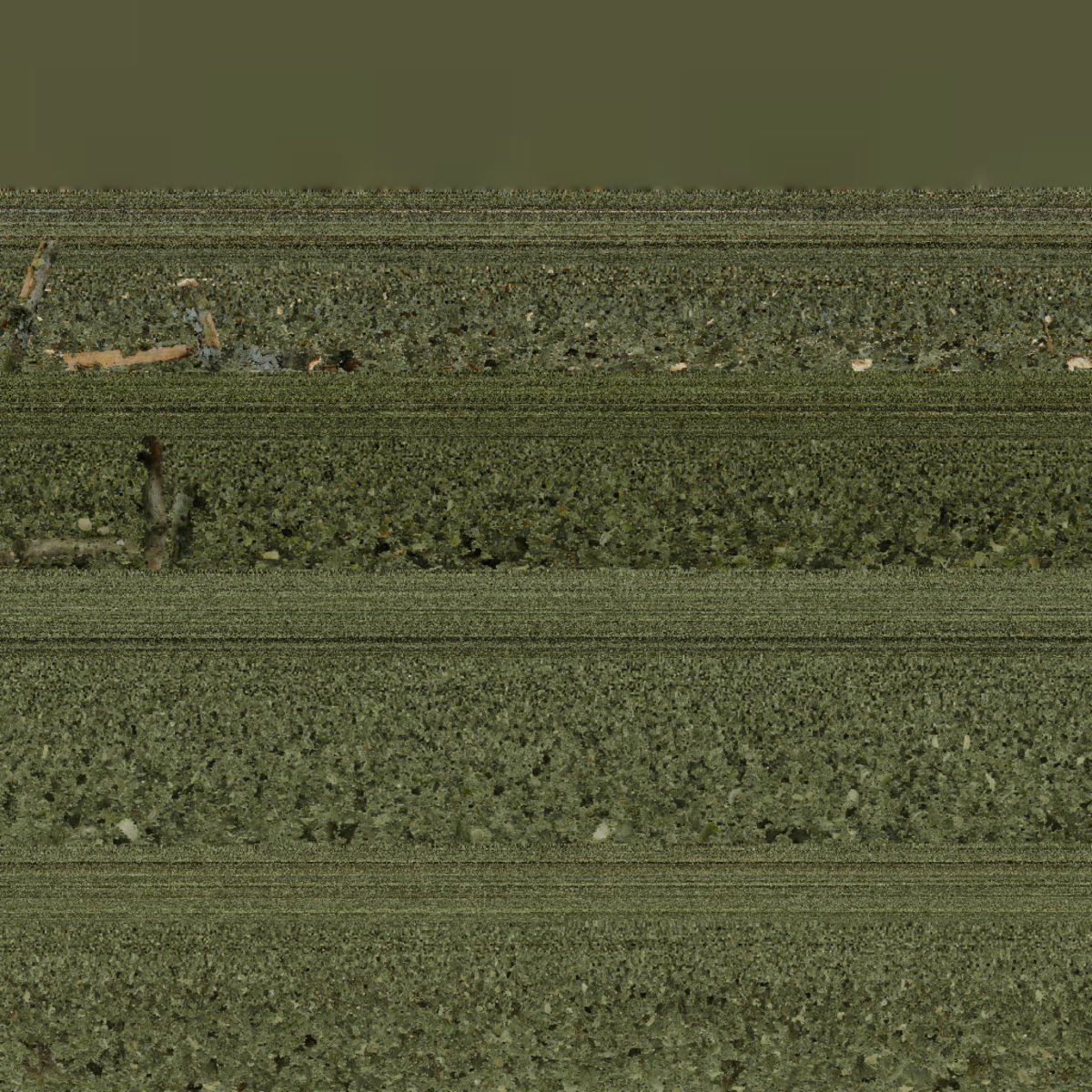
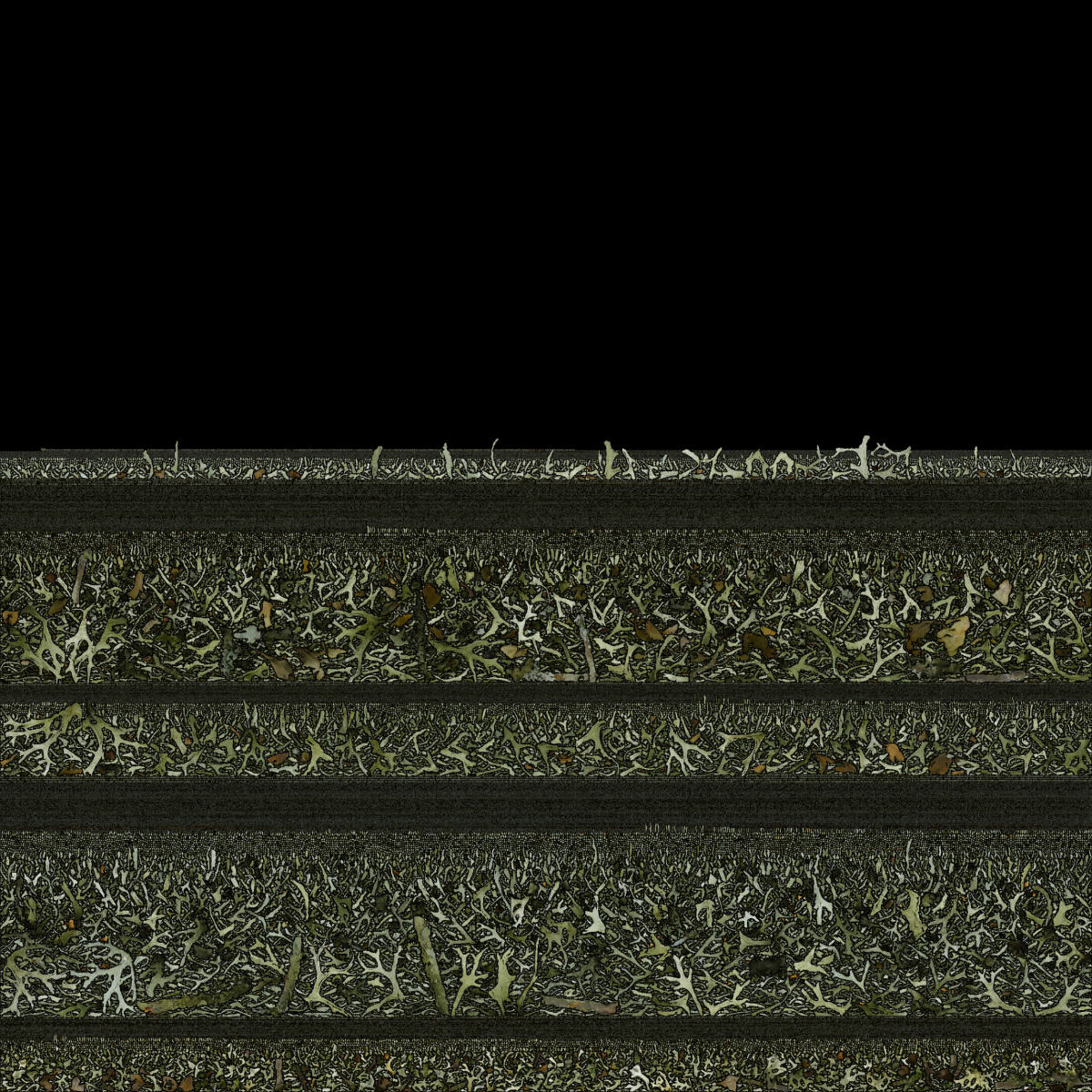
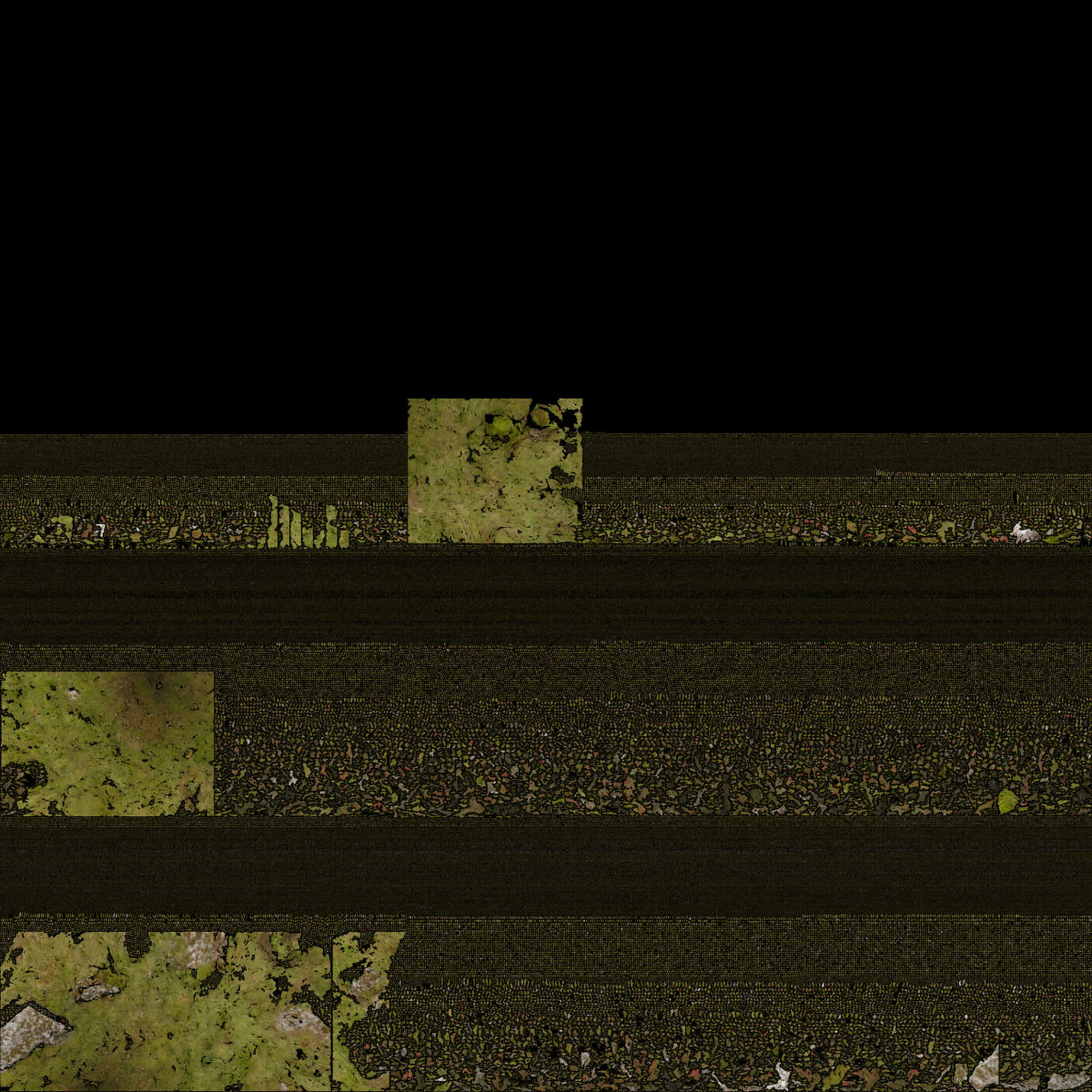
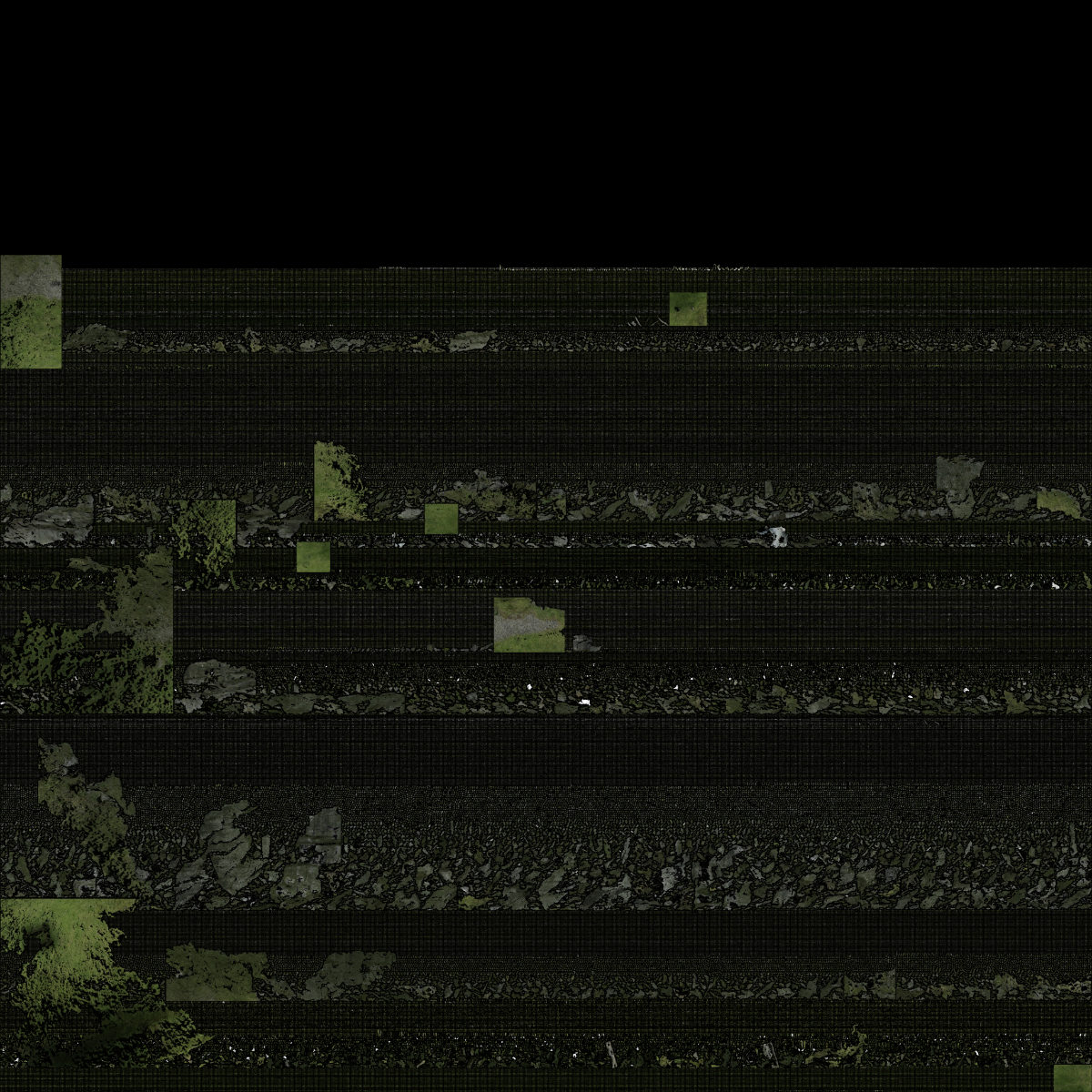
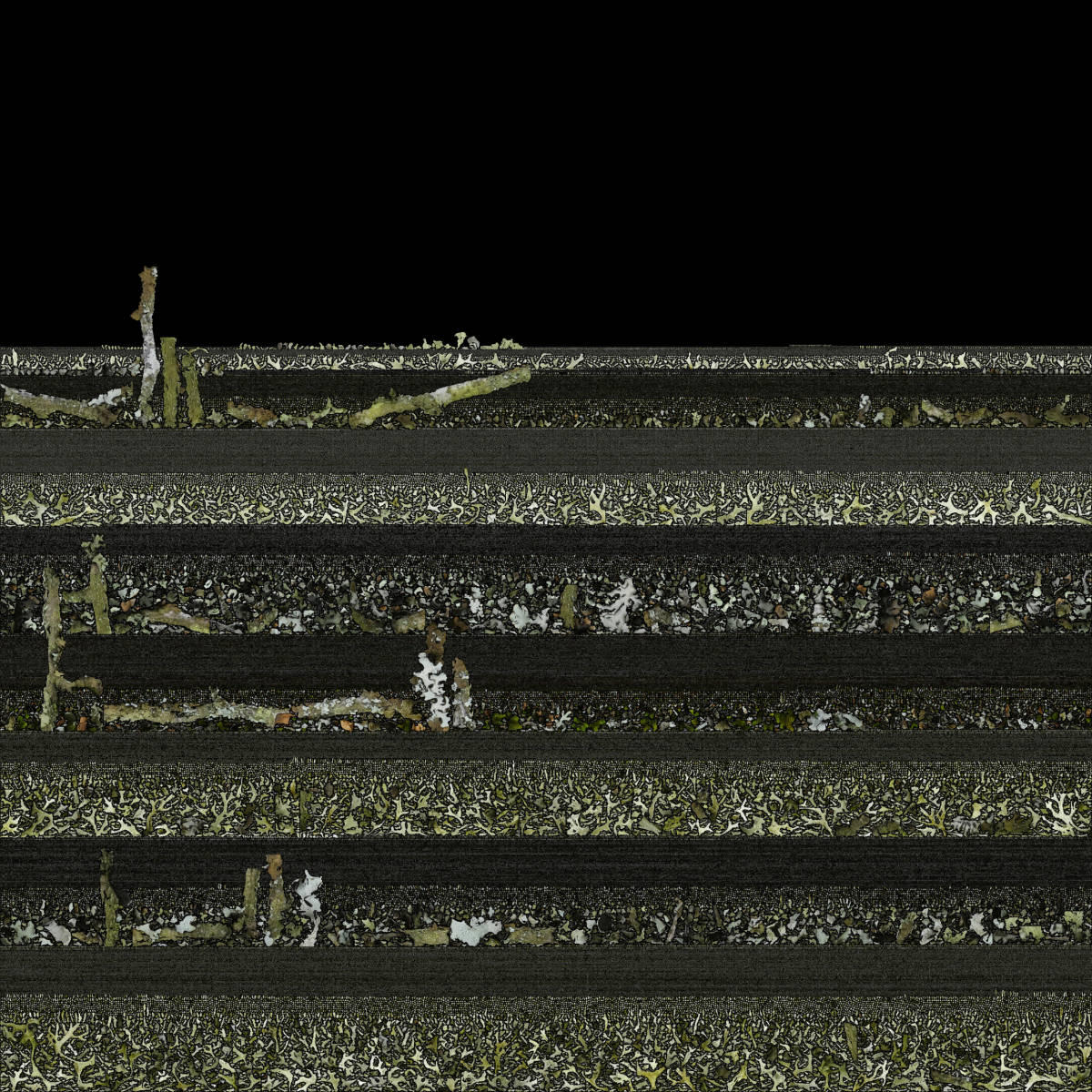
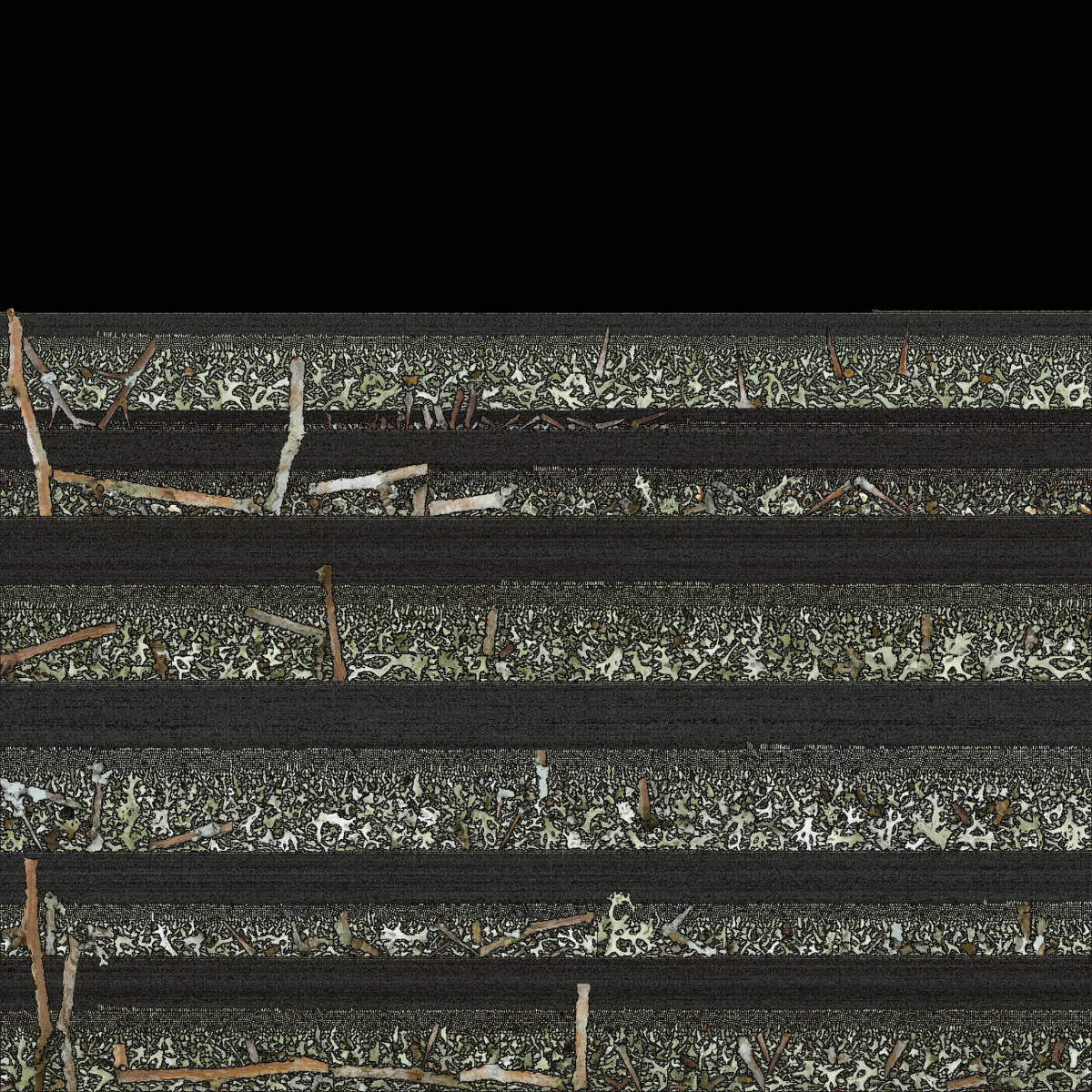
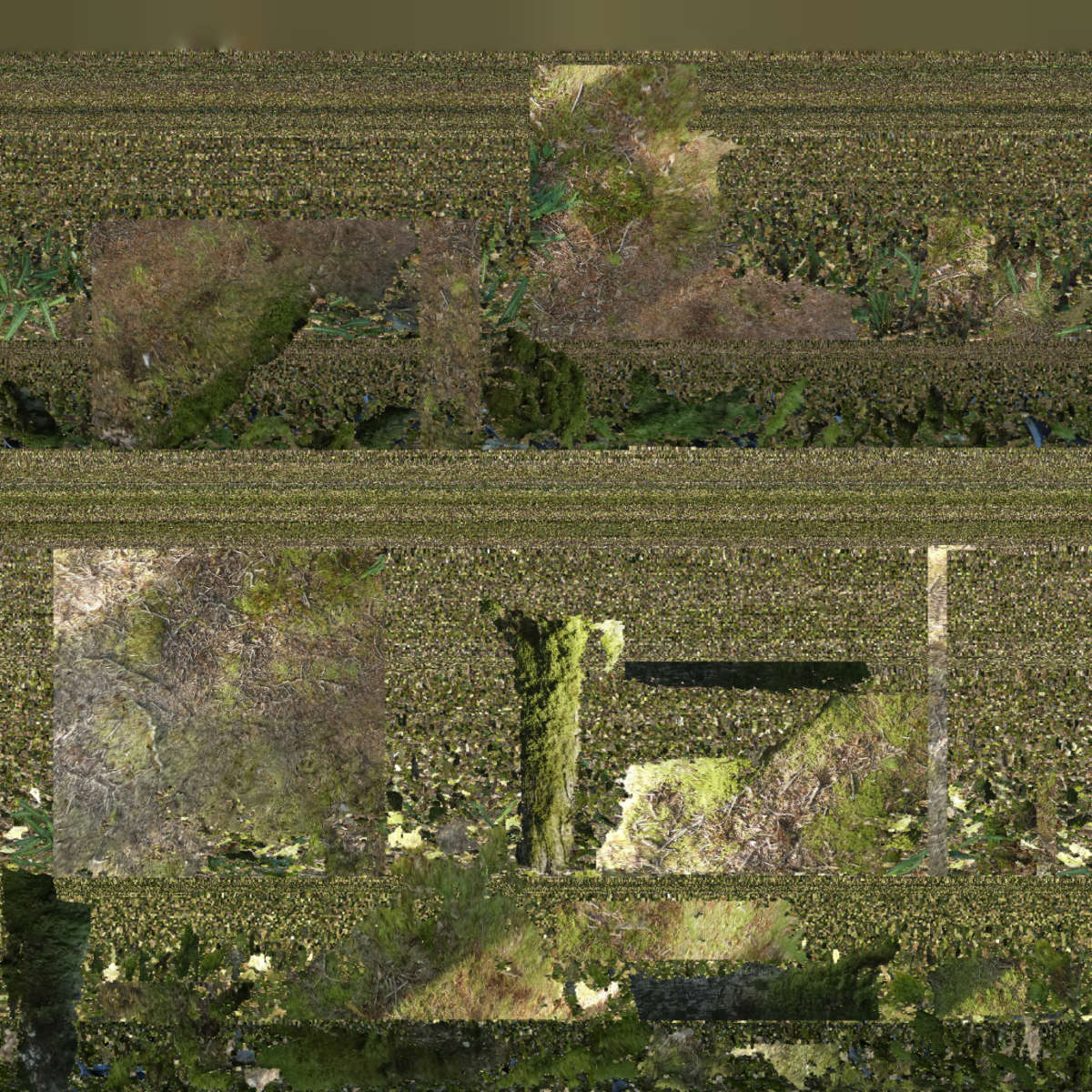

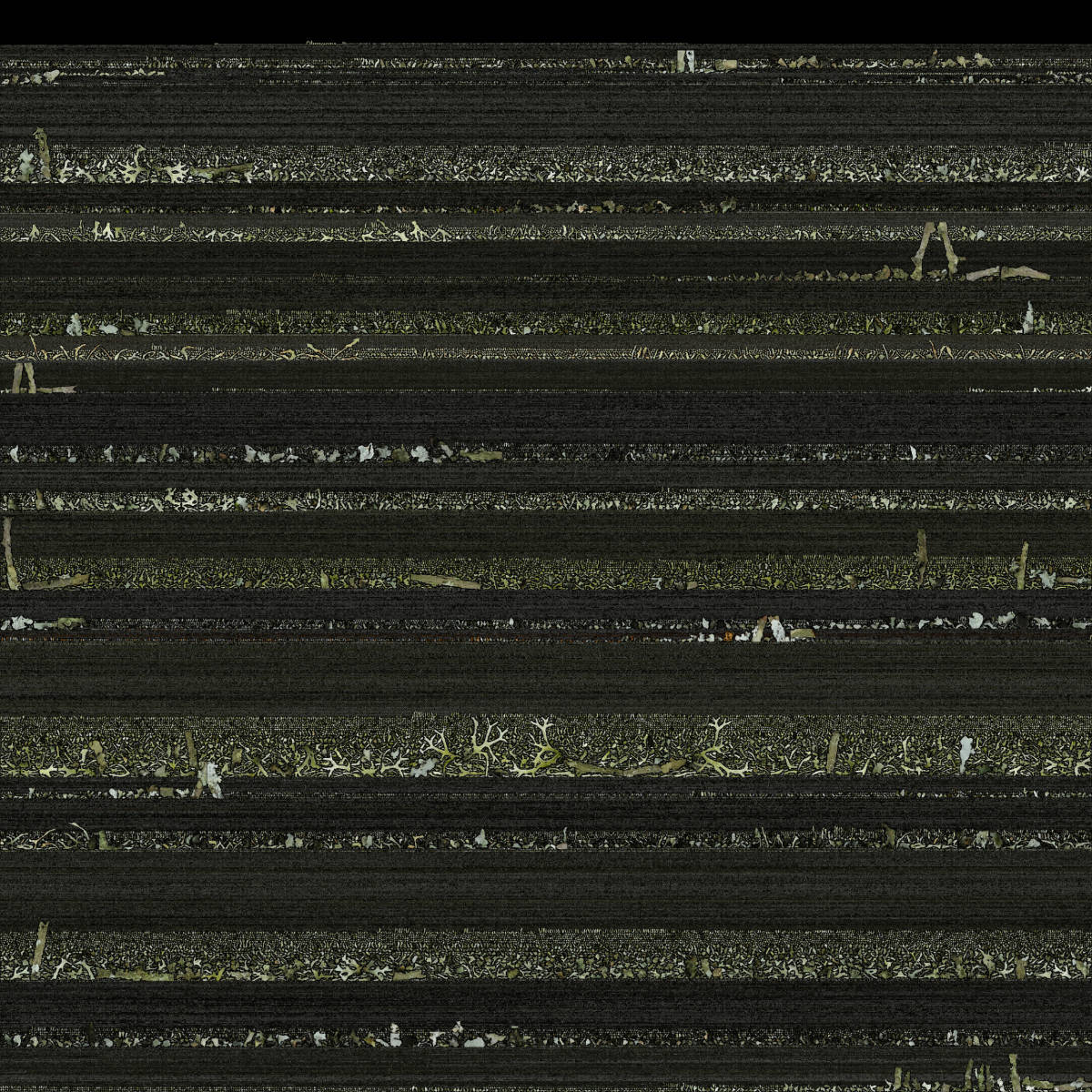

To create a photorealistic look and feel for a 3D model you can make a photo texture. This is the last step of the 3D reconstruction process in the Photogrammetry software. To be able to do this, the software unfolds the 3D model into a 2D shape. Think of it as a cardboard box that you unfold in a way that it becomes a 2D shape out of one piece. The software uses this fold-out to take parts of the original photos that were used to reconstruct the 3D model and stitch it in a way that if you fold it back to the 3D model, you have a 3D version of the photo. This 2D photo file is used as texture to wrap around the the meshed 3D model. This finally gives the photo realistic look and feel of the 3D model. These generated photo textures are sometimes little artworks by themselves. Like abstract generative paintings. On the left you find a serie of these photo textures.